
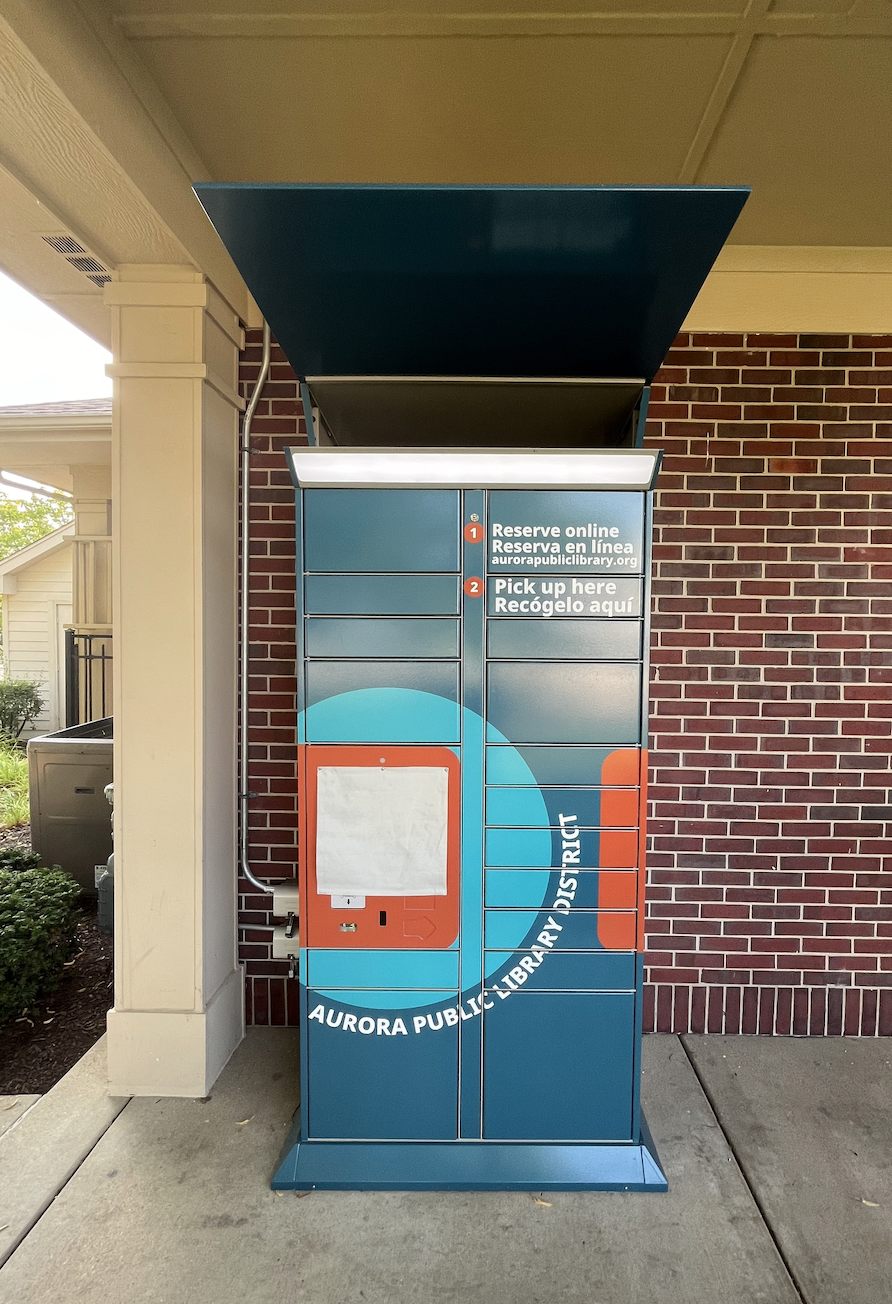
Pickup Locker at Lakewood Valley Clubhouse
The pickup locker is accessible to everyone outside the Lakewood Valley Clubhouse located at 2529 Dickens Drive, Aurora, IL 60503.
Please note, automatic returns are disabled when the lockers are full and the "Check In" button is not available. A return bin is available next to the locker, lift the silver handle and place your items in.
Hours
Available 24 hours a day, 7 days a week.
Amenities
- Accessibility
- Book Return
- Please note, automatic returns are disabled when the locker is full and the "Check In" button is not available.
- Free Parking
- Free Wi-Fi
- Network: APLDExterior Password: yourlibrary
How to have your items delivered at the pickup locker
- Search the library catalog.
- Request an item by clicking “Place Hold”.
- Select "Pickup Locker Lakewood Valley" for your pickup location.
- Click “Confirm Location”.
- You’ll receive text or email notification when your items arrive!.
How to retrieve your holds for checkout when your items have arrived
- Select “Pick Up Holds” on the locker screen.
- Scan your library card and enter your pin.
- Tap item titles or “Select All,” then tap “Done”.
- Lockers will pop open.
- Retrieve your items from the opened lockers and close the locker doors.
How to return materials using the locker
- Select “Check-in” on the locker screen. Please note, returns are disabled when the lockers are full and the "Check In" button is not available. If this occurs, lift the silver handle and place your items in the return bin next to the locker.
- Scan the barcode of each item you are returning
- A locker will open for you to place your items in
- Once all items are in, close the locker door and click done
- An alert will show "Close Locker - Please close any open lockers". Press OK.