
Makerspace
Makerspace Hours
Monday - Thursday: 1 - 7 p.m.
Friday - Saturday: 1 - 4 p.m.
The Makerspace closes at 5 p.m. on the following dates:
- Wednesday, October 14
Frequently Asked Questions
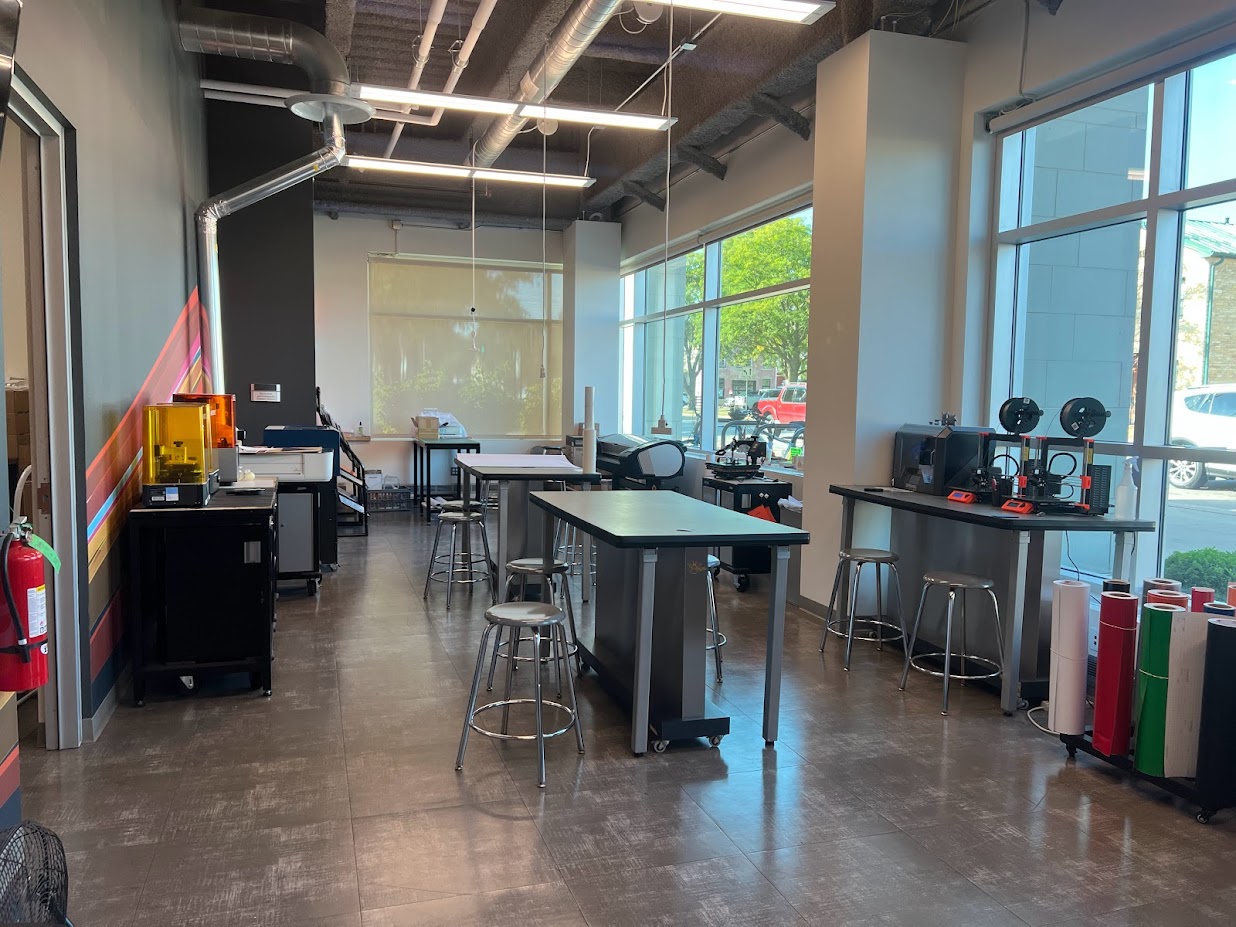
Where is the Makerspace located? On the 1st floor of Santori Library.
When is the Makerspace open? Monday - Thursday from 1 - 7 p.m. and Friday - Saturday from 1 - 4 p.m.
Do I need to have a reservation to use the Makerspace? No, the Makerspace is open for walk-in use. A reservation for a specific machine may be made to guarantee availability. A customer without a reservation can use an available machine for up to 1 hour.
How long can I reserve a machine for? A customer or group of customers can reserve a single machine for 1 hour per day. Reservations will be honored up to 15 minutes past the scheduled time.
Can I make multiple reservations each day? No, each customer or group of customers is limited to a single reservation per day.
Can I use the Makerspace machines independently? Yes, all customers are encouraged to use the machines independently. Staff are available to teach new customers the basics of operating the machines, offer troubleshooting help, and process payment for materials.
Are there any machines I can't use independently? The 3D printers and sublimation printer are operated by Makerspace staff.
What safety precautions are there in the Makerspace? Makerspace supplies include rubber gloves for working with certain glues or paints, heat-resistant gloves for operating the heat press, and an air purifier. Makerspace staff may require customers to use safety precautions when working on certain projects.
How long can I stay in the Makerspace? There is no time limit on using the Makerspace. Customers may use a machine for more than 1 hour so long as no other customers are waiting to use it; if another customer is waiting, the first customer should end their use of the machine within 10 minutes of being notified.
How old do I have to be to use the Makerspace? Customers over the age of 12 are allowed to use the Makerspace. Customers under the age of 18 must have a caregiver's written approval to operate Makerspace machines.
Can I use the Makerspace without a library card? Yes, we welcome any customers to use the Makerspace regardless of where they live.
What does it cost to use the Makerspace? Materials for all machines are sold in the Makerspace at cost. Customers are required to use the provided materials for the plotter printer, 3D printers, and vinyl cutter.
Can I bring in my own materials? Yes, customers are welcome to bring in outside materials for use with our Cricut, laser cutter, or heat press. Please note that all materials must be reviewed by Makerspace staff to ensure that they are safe to use. It is recommended that customers bring in a receipt showing where the material was purchased and what its intended use is.
Can I send requests to the Makerspace from home? 3D print requests may be sent to Makerspace staff using the 3D printing request form. Makerspace staff cannot accept remote requests for any other projects.
Available Machines
3D Printers
Click to expand
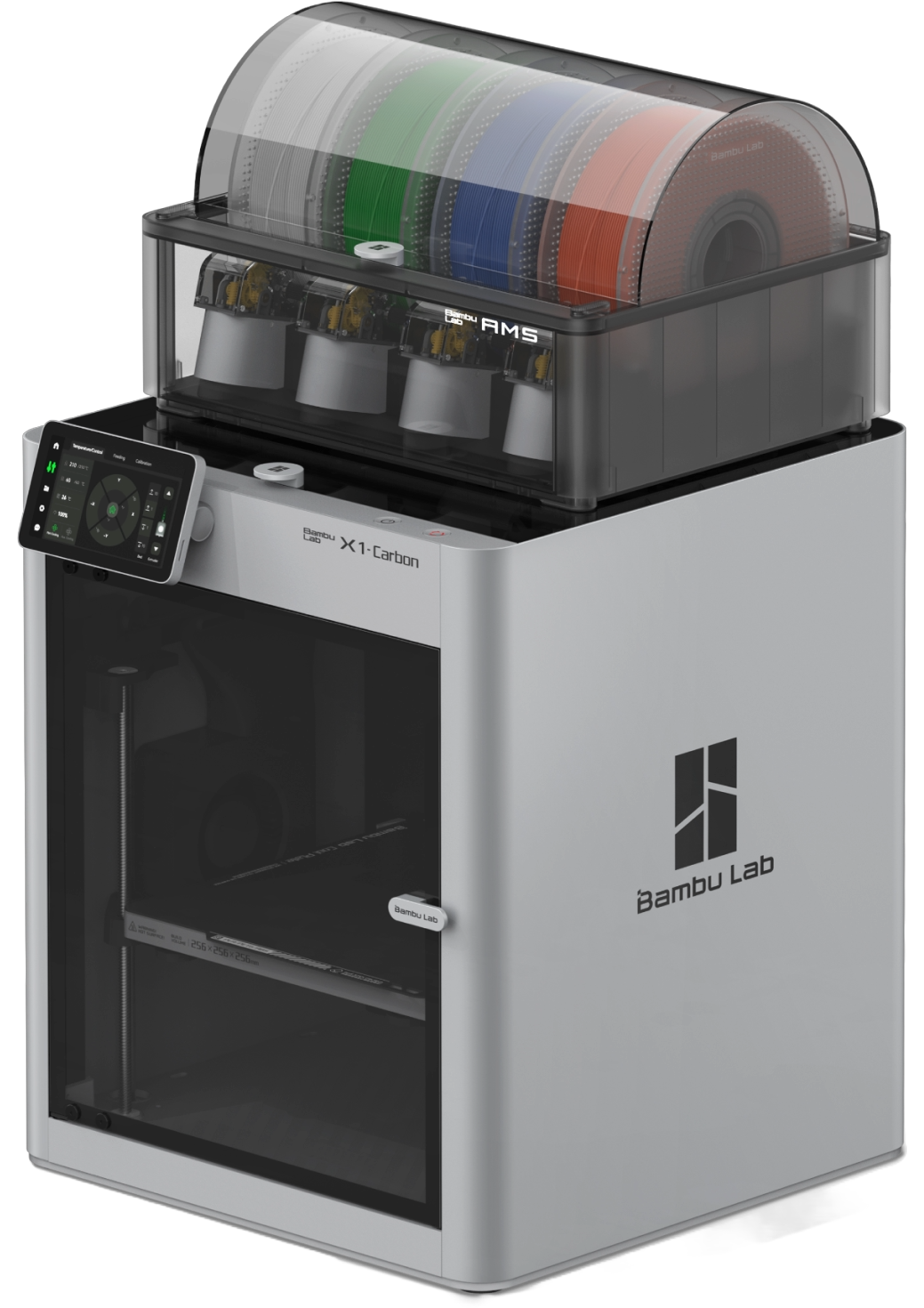
The Bambu Labs X1-Carbon 3D printers can print up to 256 millimeters per side in PLA. PLA is a high-quality, biodegradable plastic filament which the Makerspace offers in a variety of colors.
Cutting Machines
Click to expand
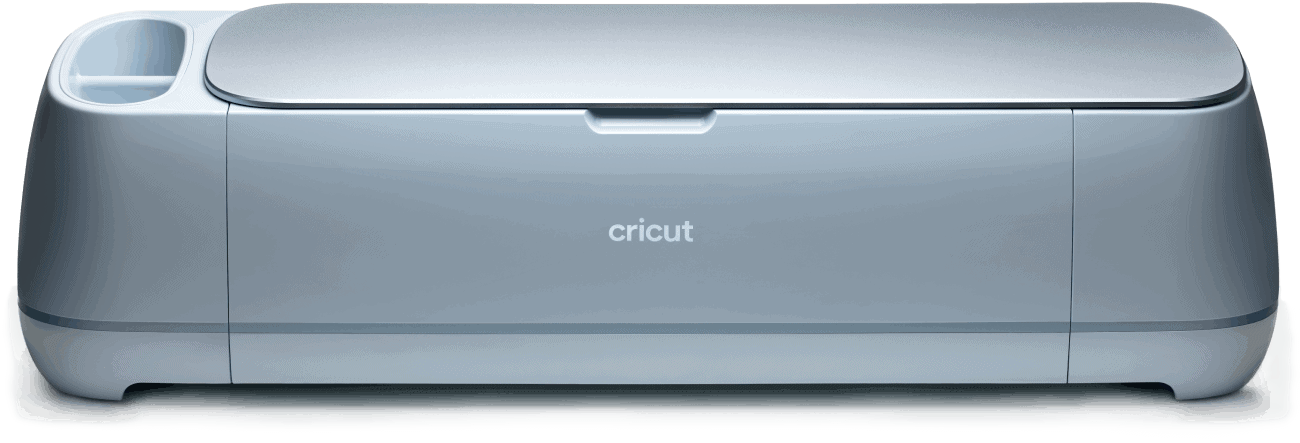
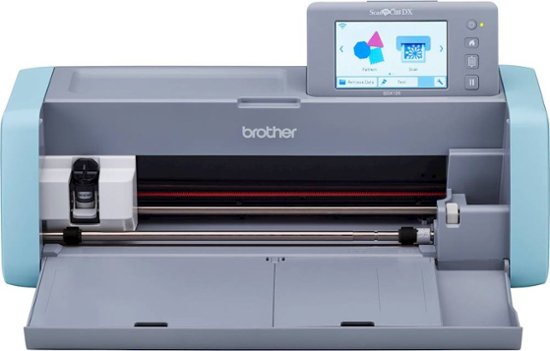
The Cricut Maker 3 and the Brother ScanNCut SDX 125E can be used to cut designs out of a variety of materials. Create a design with the Cricut Design Space, then cut on cardstock or other materials up to 2 millimeters thick.
The Brother ScanNCut scans and traces your designs and precisely cuts them out. The ScanNCut can cut material up to 3 millimeters thick.
Heat Press
Click to expand
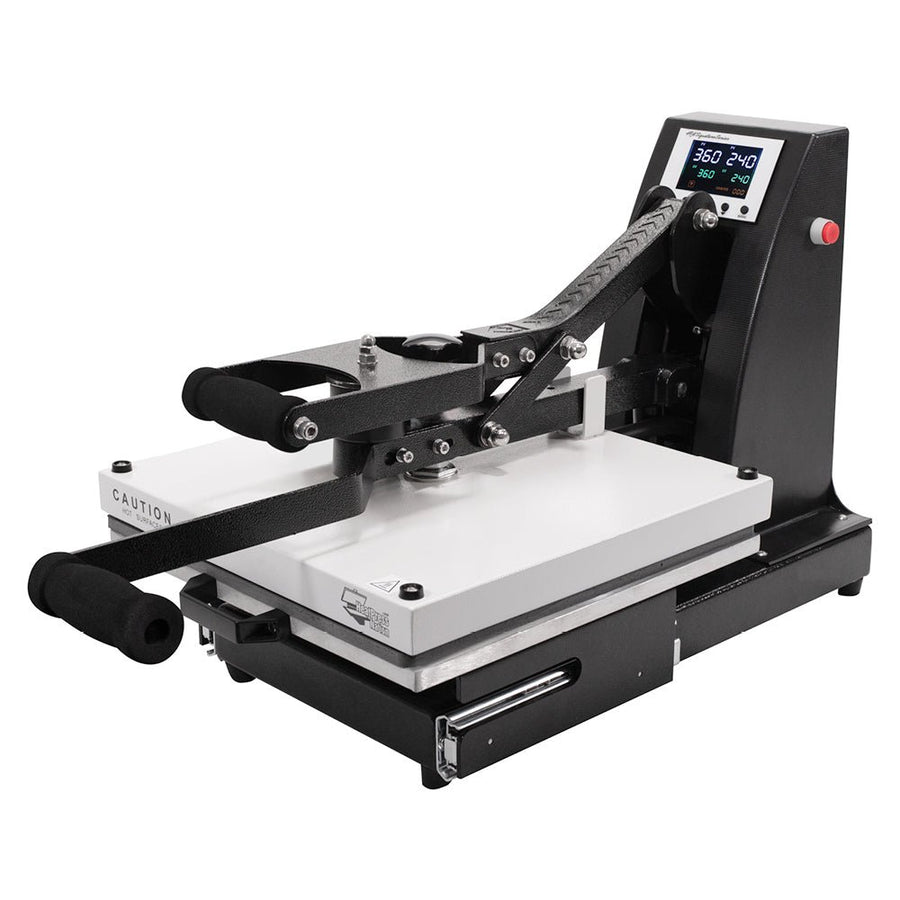
The HPN Signature Series heat press can transfer your designs to a variety of materials! Single-color heat-transfer vinyl cut on the Roland GS-24 or Cricut Maker 3 can be used, as can full-color designs printed using our sublimation printer.
Our Cricut Mug Press and Hat Press allow you to make your own coffee mugs and baseball caps.
Laser Cutter
Click to expand
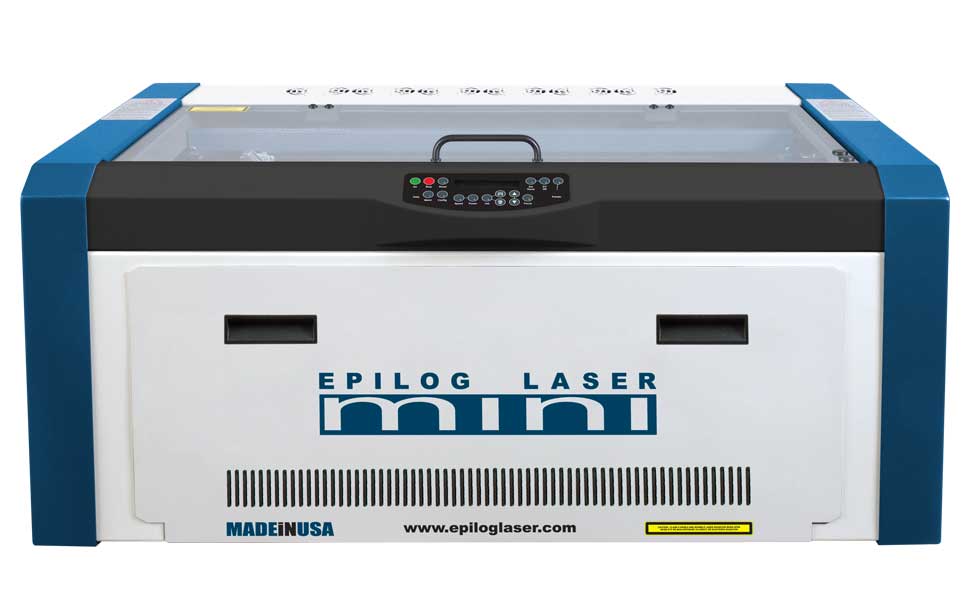
The Epilog Mini laser cutter can cut and engrave a variety of materials, including wood, acrylic, leather, cardboard, and more! Materials for laser cutting, including specialty items such as cutting boards, keychains, and coasters, are available for purchase.
Plotter Printer
Click to expand
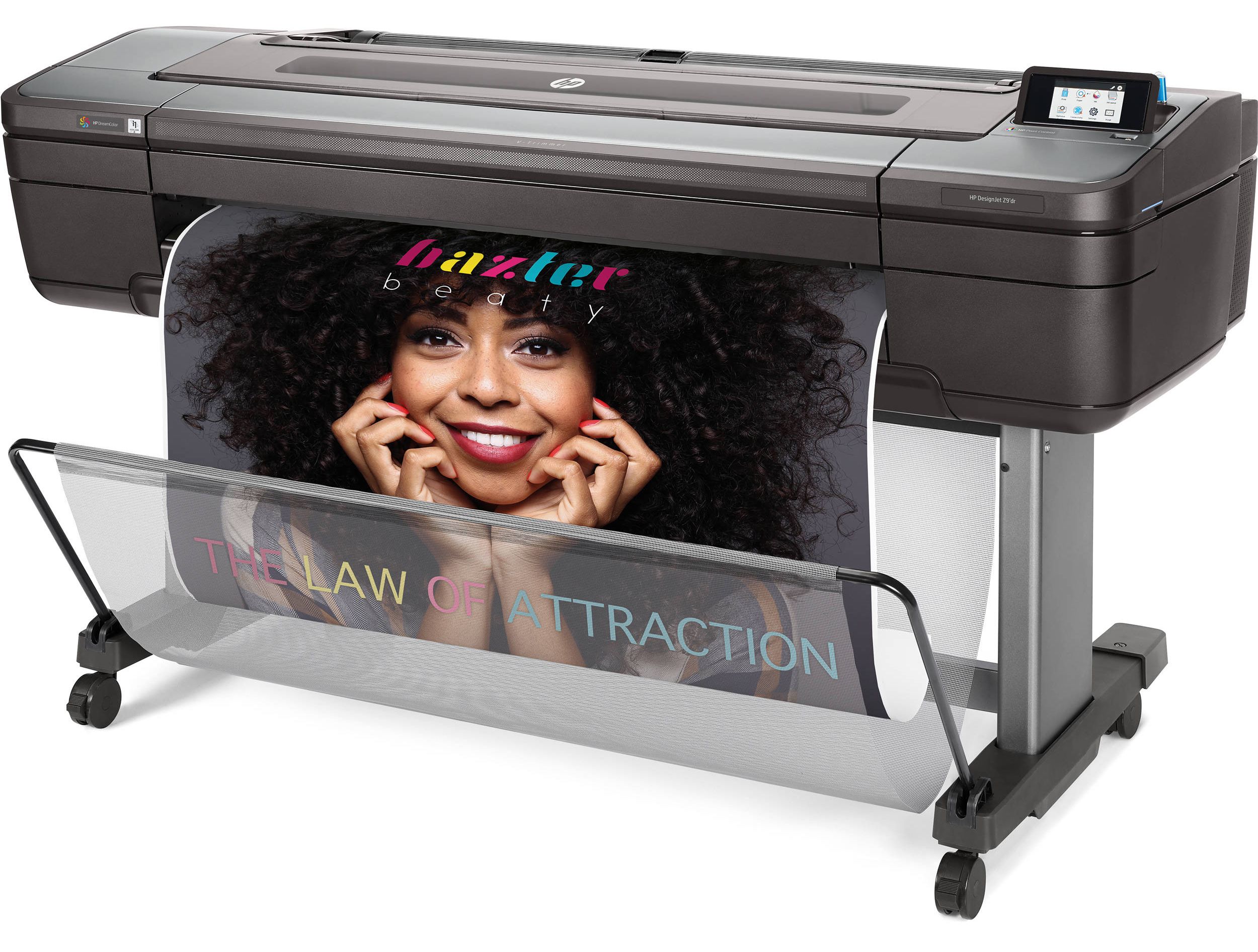
The HP DesignJet Z9 can print posters up to 3 feet wide on a variety of materials, including glossy, heavyweight, adhesive, and outdoor paper. Grommets are available for certain materials.
Sublimation Printer
Click to expand
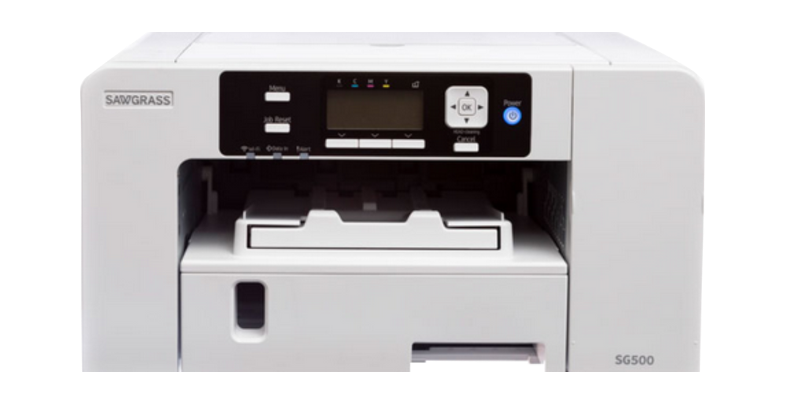
The Sawgrass SG500 sublimation printer can print full-color designs created using the Makerspace’s creative software onto fabric, plastic, or metal sublimation blanks.
Vinyl Cutter
Click to expand
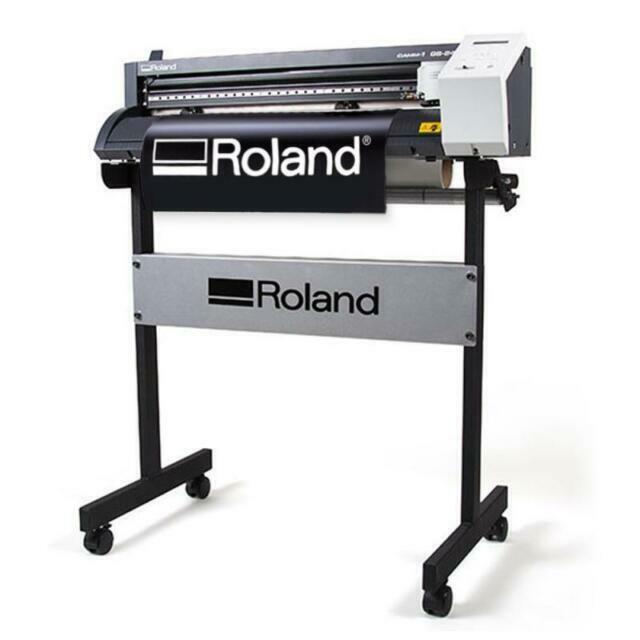
The Roland GS-24 can cut vinyl decals up to 2 feet wide in an assortment of colors. Oracal 651 permanent outdoor adhesive vinyl is available for purchase in the Makerspace and can be used on windows, vehicles and more. The Makerspace also has a supply of heat transfer vinyl which can be used with our heat press to create your very own T-shirts!
Sticker Printer
Click to expand
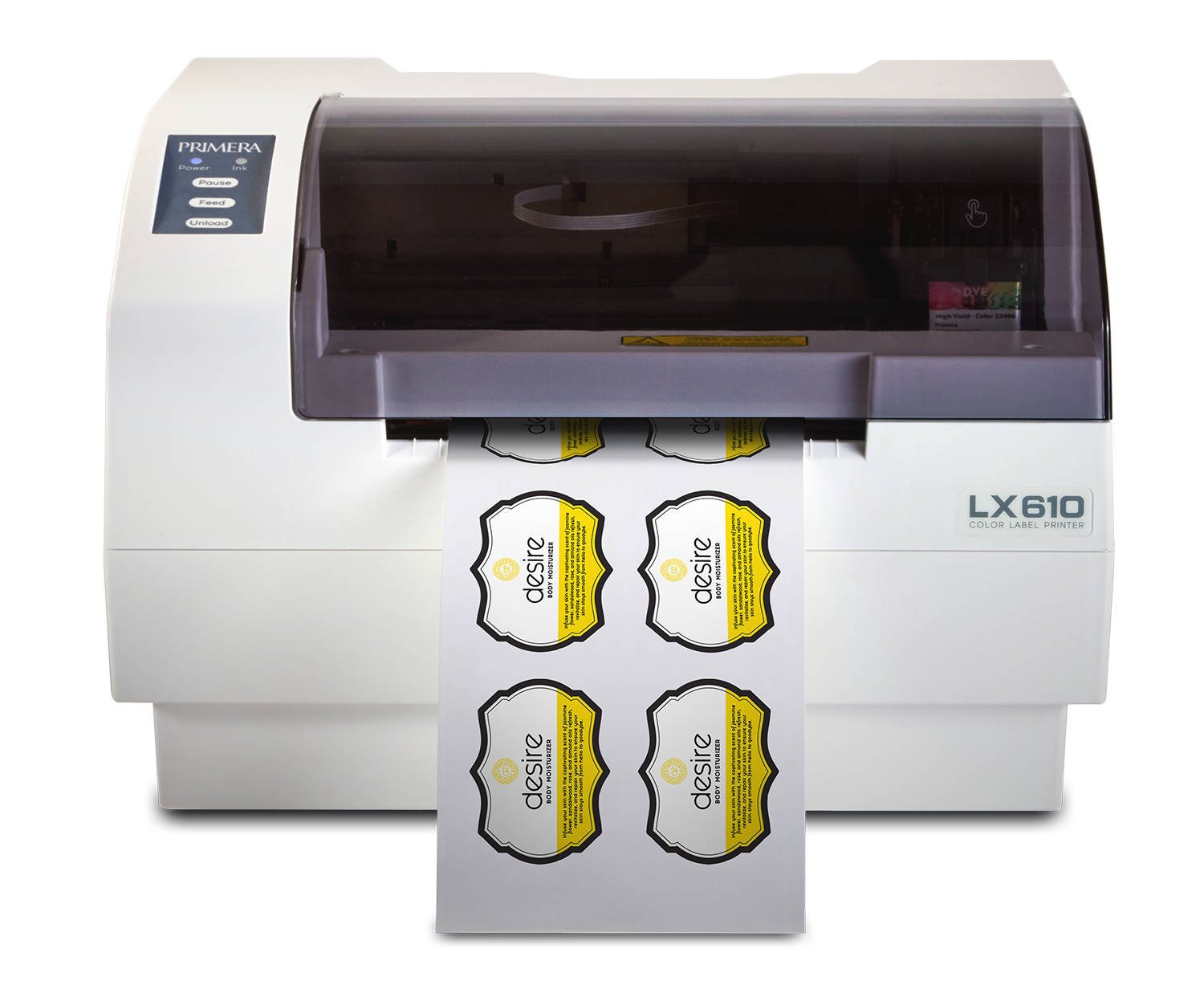
The Primera LX610 can print and cut full-color custom stickers up to 4.25 inches wide. Use our glossy sticker material to make labels or shareable examples of your artwork!
Available Software
- Affinity: This all-in-one graphic design software is used for vector design, digital illustration, and photo editing.
- Adobe Acrobat Pro: Adobe’s PDF editor.
- Adobe Illustrator: Adobe’s drawing program that allows you to work with vectors.
- Adobe InDesign: Adobe’s layout software allowing you to create flyers, menus, and brochures.
- Adobe Lightroom: Adobe’s photo management software.
- Adobe Photoshop: Adobe’s painting program that can edit photos, create graphics, and more.
- Bambu Studio: This slicing software is optimized for use with Bambu Labs 3D printers.
- Blender: This software is a 3D creation suite used for 3D modeling and animation.
- Corel Suite 2025: Vector design software recommended for use with the Epilog laser cutter.
- Cricut Design Space: This software allows you to access the Cricut and cut a variety of materials.
- GIMP: This software is an open-source alternative to Adobe Photoshop.
- Roland CutStudio: This software allows you to easily prepare designs for vinyl cutting.
Events & Programming
Makerspace programs are free to attend and open to anyone age 12+. Customers on the registered list should arrive prior to the scheduled start time. If a registered customer is more than 5 minutes late, their seat may be given to another customer.
Available seats will be filled by customers on the wait list in descending order of wait list registration, with customers who registered earliest having priority. If seats are still available, staff will accept walk-in customers in the order in which they arrived for the program.